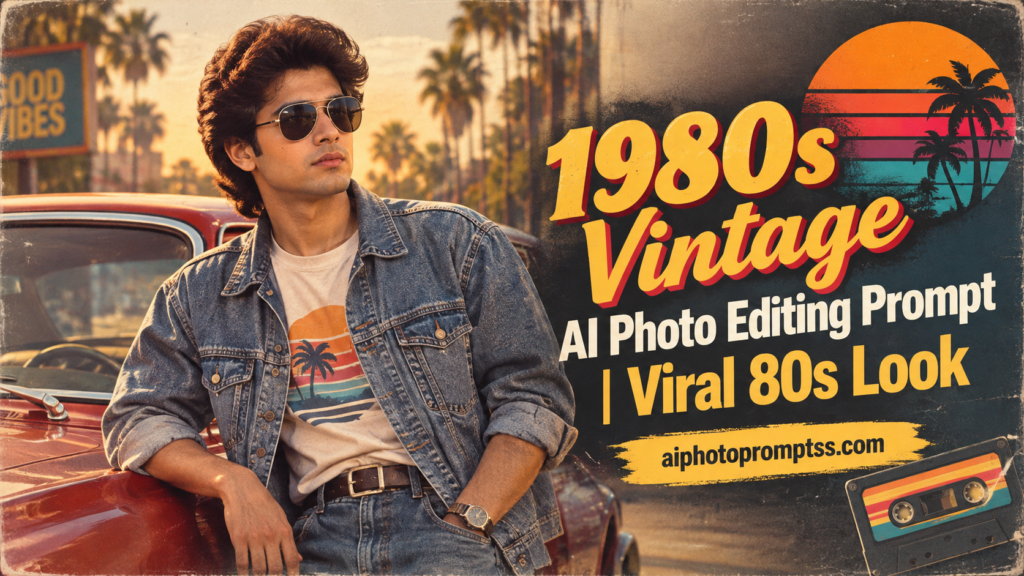
1980s Vintage AI Photo Editing Prompt | Viral 80s Look
The 1980s retro photo trend is becoming popular again, with many people using AI to recreate the classic look of that era. With a clear reference photo and the right prompt, you can turn a modern picture into a realistic 1980s-style portrait.
AI can add vintage outfits, classic hairstyles, old-school accessories, warm lighting, faded colors, film grain, and an authentic old-camera effect while keeping your face recognizable. Also see more prompts through our ai photo prompts
What Is the 1980s Retro Look AI Photo Prompt?
The 1980s Retro Look AI Photo Prompt is a detailed instruction that tells an AI image editor how to turn a normal photo into a vintage 1980s-style picture. It can include details about clothing, hairstyles, accessories, lighting, colors, backgrounds, camera effects, and overall mood.
You can upload your own photo as a reference and ask the AI to keep your original face and important features recognizable. The goal is to create an image that looks like a real photograph from the 1980s instead of simply adding a basic vintage filter to a modern photo.
This makes the final result feel more natural, nostalgic, and visually realistic. You can also change the outfit, setting, and lighting in the prompt to create different retro looks.
1980s Retro Look AI Photo Editing Prompt
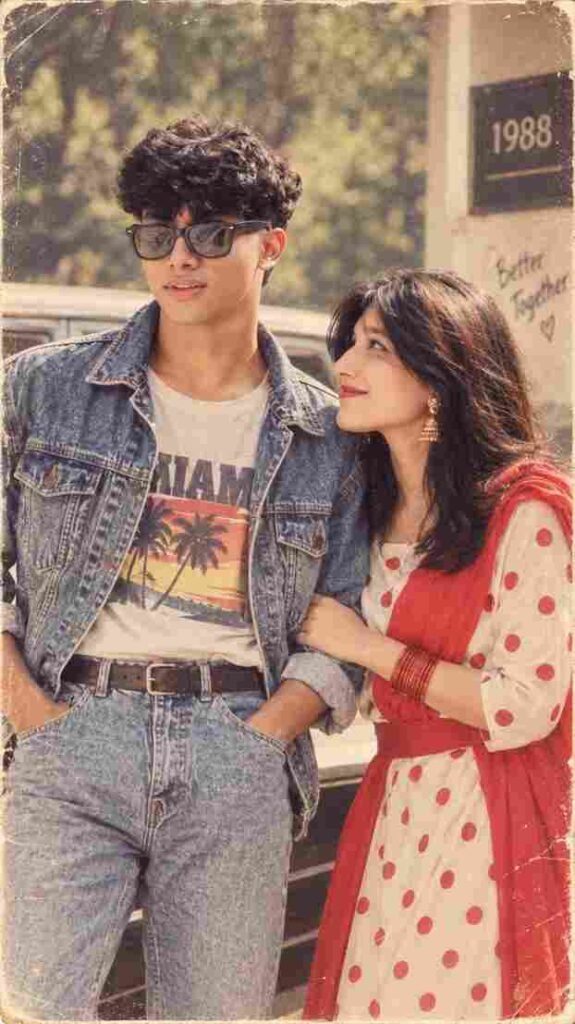
Back to the days we left behind,
where every picture held a story in mind.
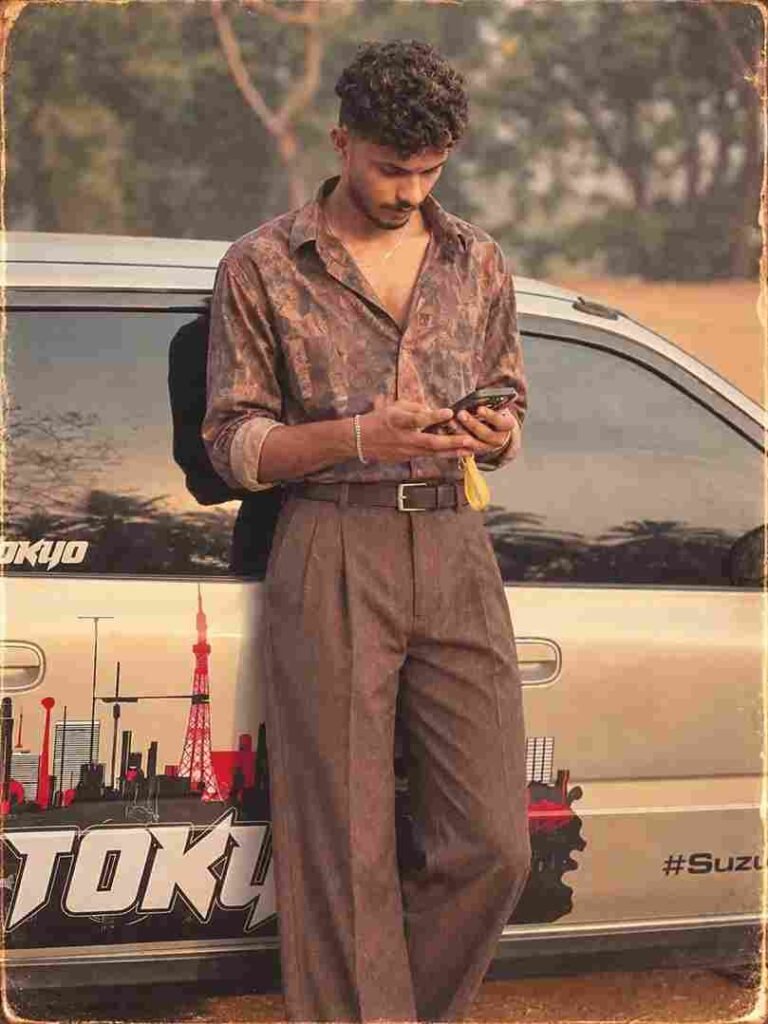
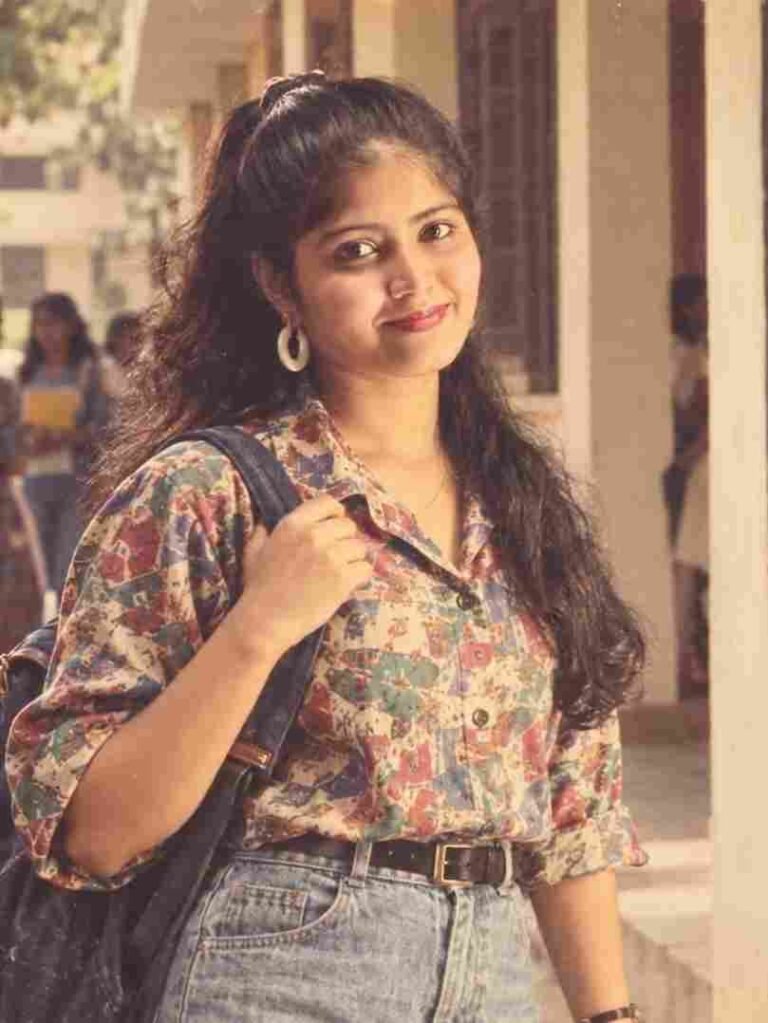
How to Create a 1980s Retro AI Photo
Making a 1980s-style photo with AI is easy when you have a good photo and the right prompt. First, choose a clear picture where your face is easy to see. Open an AI photo editing tool that allows you to upload images and add your selected photo.
Now, copy the 1980s Retro Look AI Photo Editing Prompt from above and paste it into the tool. Generate your image and wait for the result. When it is ready, check your face, hair, clothes, hands, and background.
If any part looks wrong, change a few words in the prompt and generate the image again. You can try different outfits, poses, colors, and locations until you get a retro look you like.
Use a Clear Reference Photo
Your reference photo has a big effect on the final result. Choose a picture with a clear face, good quality, and natural lighting. Avoid very blurry, dark, or heavily edited photos.
If you want the final image to still look like you, make sure your face is clearly visible. A simple portrait or selfie can work well because it gives the AI enough details about your appearance.
Once you have the right photo, the AI can focus on changing the style. You can then add 1980s clothing, hairstyles, accessories, backgrounds, and vintage colors through your prompt.
Create an Old Camera Effect
An old-camera effect can make your 1980s photo feel much more realistic. Modern pictures are usually sharp and clean, while older photos often have soft details, light grain, faded colors, and small imperfections.
You can ask the AI to add natural film grain, warm light, soft focus, muted colors, gentle shadows, and an analog camera texture. These effects should not be too strong.
A little grain and color fading can make the image look more natural. The goal is to make it feel like a real photo taken with an old film camera, not like a picture covered with a heavy filter.
Keep Your Face Unchanged
Keeping your original face is important when creating a retro version of yourself. Tell the AI to preserve your facial identity, face shape, skin tone, eyes, nose, lips, and other recognizable features.
If your face looks different, add stronger instructions asking the AI to keep your identity unchanged. Then generate another version.
Conclusion
The Trending 1980s Retro Look AI Photo Prompt 2026 is a fun way to give your regular picture a classic vintage appearance. You can use retro outfits, old hairstyles, and analog camera effects to recreate the feeling of the 1980s.
Have fun experimenting and creating your retro look.