Jai Shree Hanuman & Mahadev Blessing AI Video Prompt (2026)
Want to create a beautiful AI video with the blessings of Lord Hanuman Ji and Mahadev? The Jai Shree Hanuman & Mahadev Blessing AI Video Prompt is a creative way to turn your normal photo into a cinematic devotional video. This editing style combines divine blessings, golden lighting, beautiful temple backgrounds, and realistic AI video effects.
You can create a video where you fold your hands in prayer, receive blessings from Hanuman Ji, and see Mahadev in a peaceful Himalayan setting. Also see more prompts from our ai photo prompts You can also add cinematic transitions, glowing effects, and devotional music to make your video more attractive.
In this post, you will get the best Jai Shree Hanuman and Mahadev AI video prompts, how to create the video using AI tools, editing tips, and solutions to common problems.
What Is Jai Shree Hanuman & Mahadev Blessing AI Video?
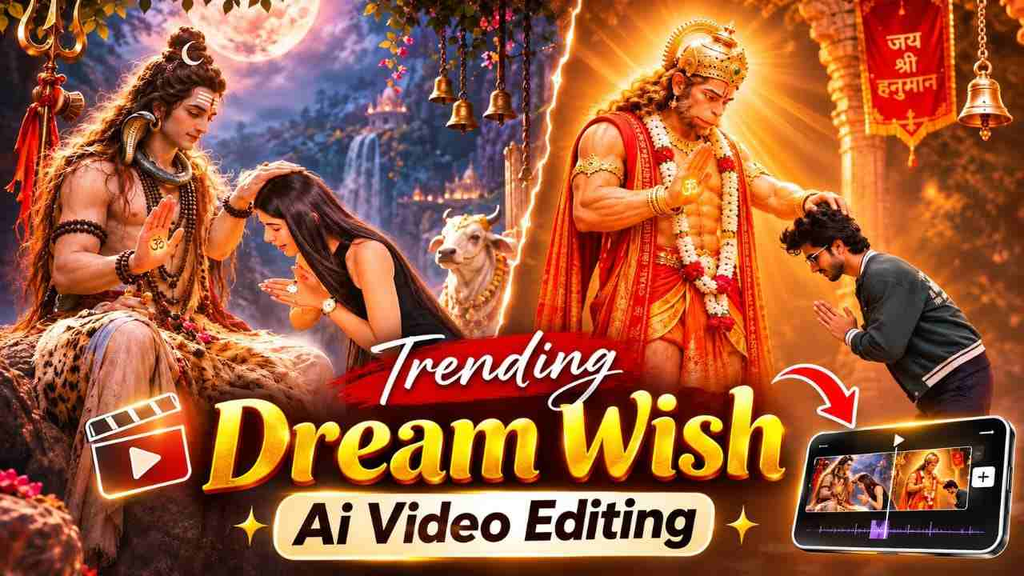
Jai Shree Hanuman and Mahadev Blessing AI Video is a devotional video editing trend where AI transforms your photo into a spiritual cinematic scene.
In this style, you can show yourself standing or kneeling with folded hands while Lord Hanuman Ji or Mahadev appears in a beautiful divine atmosphere and gives blessings.
Popular editing ideas include:
- Hanuman Ji blessing AI video
- Mahadev blessing AI video
- Bajrang Bali AI transformation
- Lord Shiva Himalayan blessing scene
- Divine golden light transition
- Temple background AI video
- Devotional Instagram Reels
- Jai Shree Ram cinematic video
- Hanuman Chalisa AI video edit
Why Is Hanuman Ji & Mahadev Blessing AI Video Trending?
Devotional AI videos are becoming a creative way to share spiritual content on Instagram Reels, YouTube Shorts, and other social platforms.
The popular blessing format uses a simple idea: a person walks through a peaceful garden, folds their hands, and kneels in prayer. A golden light appears, and Hanuman Ji comes forward to bless the devotee.
Another popular style combines Mahadev, Himalayan mountains, divine lighting, and cinematic transitions. These concepts make beautiful devotional videos using AI tools.
Best Jai Shree Hanuman & Mahadev Blessing AI Video Prompts
There are some ready-to-copy prompts. Upload your clear photo to an AI image-to-video tool and use the prompt to create your devotional video.
Jai Shree Hanuman Blessing AI Video Prompt
Mahadev Blessing AI Video Prompt
How to Create Jai Shree Hanuman & Mahadev Blessing AI Video?
Follow these simple steps to create your own devotional AI video.
- First, open an AI video generation tool such as Google Flow.
- Select the image-to-video or reference image option.
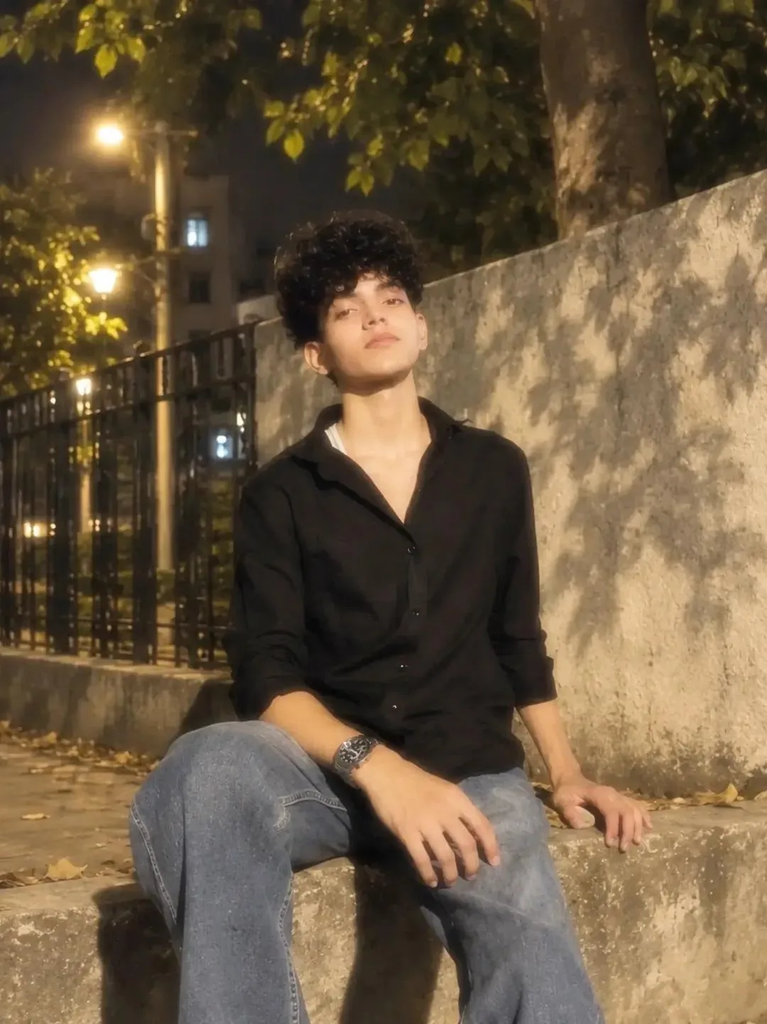
- Upload one clear photo of yourself.
- Copy your favourite Hanuman Ji or Mahadev blessing prompt from above.
- Paste the prompt into the AI video prompt box.
- Select a vertical 9:16 ratio if available.
- Choose your preferred video duration and quality.
- Click on Generate and wait for your video.
- Preview the generated video and save the result.
- Use CapCut or VN Editor to add devotional music and final effects.
Your Jai Shree Hanuman and Mahadev AI blessing video is ready to share!
Best AI Tools for Creating Hanuman Ji & Mahadev Videos
You can try different AI tools to create devotional videos from your photos.
- Google Flow: Useful for cinematic AI video generation and image-to-video scenes.
- Kling AI: Try it for realistic character movement and cinematic video effects.
- Runway: Useful for creative AI video generation and visual effects.
- CapCut: Use it for final editing, music, transitions, and text.
- VN Editor: Add devotional audio, slow motion, and finishing effects.
Features, free credits, and availability may vary between tools.
Best Editing Ideas for Devotional AI Videos
Try these creative ideas to make different types of devotional videos.
1. Hanuman Ji Blessing Reels
Show yourself praying in front of Hanuman Ji with golden lighting and a peaceful temple background.
2. Mahadev Himalayan AI Video
Use a mountain background, beautiful clouds, and divine blue lighting to create a cinematic Mahadev video.
3. Jai Shree Ram Devotional Video
Create a devotional scene with Lord Hanuman Ji, a beautiful temple, and a peaceful spiritual atmosphere.
4. Mahadev Blue Aura Video
Use blue glowing effects, dramatic clouds, and cinematic camera movements for a powerful visual style.
5. Hanuman Chalisa AI Video
Combine your generated devotional video with Hanuman Chalisa audio to create a spiritual Instagram Reel.
Best Tips for Creating Realistic AI Blessing Videos
Follow these tips to get better results from your AI prompts.
- Upload a clear photo with your face visible.
- Use a single-person photo for better identity consistency.
- Avoid heavily filtered or blurry pictures.
- Describe the scene and character movements clearly.
- Keep the original outfit and facial details unchanged.
- Use smooth camera movements instead of too many effects.
- Choose vertical 9:16 format for Instagram Reels.
- Use suitable devotional music for the final edit.
- Keep religious characters and scenes respectful.
- Review the generated video before sharing it.
Common Issues and Their Solutions
1. AI Changes My Original Face
Add instructions such as preserve the exact original facial identity, hairstyle, skin tone, and facial features. Use a clear reference image.
2. Hanuman Ji or Mahadev Looks Different
Describe the traditional appearance, clothing, accessories, and scene carefully. Use a suitable reference image if your AI tool supports it.
3. Video Movement Looks Unnatural
Use simple actions such as walking, folding hands, kneeling, or receiving blessings. Avoid describing too many movements in one short clip.
4. AI Video Is Blurry
Upload a high-quality reference photo and select the highest suitable video resolution available.
5. The Background Changes Between Scenes
Describe each scene separately and ask the AI tool to maintain visual consistency. Generating shorter clips separately can also help.
6. Video Does Not Generate
Check your internet connection, available credits, prompt settings, and supported video duration. Try again with a shorter prompt if necessary.
Frequently Asked Questions (FAQs)
It is a devotional AI video editing style where you can create scenes of yourself receiving blessings from Lord Hanuman Ji and Mahadev using an AI-generated video.
You can try Google Flow, Kling AI, or other image-to-video tools. The results depend on the prompt and available features.
Conclusion
The Jai Shree Hanuman & Mahadev Blessing AI Video Prompt makes it easy to create beautiful devotional videos using your own photo. You can try different scenes, including Hanuman Ji blessings, Mahadev Himalayan videos, temple scenes, and divine transitions.
Simply copy your favourite prompt, upload your photo, and create your own AI video. Keep visiting ai photo prompt for more trending AI video prompts, photo editing ideas, and viral video tutorials.